
Churches hold some of the most personal information people ever share: family details, prayer needs, pastoral notes, giving records, children's information. Keeping it safe is part of caring for people well, and in the UK it is also a legal duty under data protection law.
This guide is not legal advice, but it covers the habits that make the biggest difference, whatever system you use.
Know what you hold, and why
Make a simple list of the personal information your church keeps, where it lives and why you need it. If you cannot say why you hold something, you probably should not keep it. Pay particular attention to information about faith, health and children, which needs extra care.
Keep it in one secure place
Every spreadsheet on a personal laptop or memory stick is a risk. Bringing records into one secure system, rather than scattered copies, is the single biggest step most churches can take.
Give people only the access they need
- A children's leader needs their group's details, not the giving records.
- The treasurer needs giving records, not pastoral notes.
- When someone steps down from a role, remove their access the same week.
Protect every login
- Use strong, unique passwords, and never share accounts.
- Turn on two-step verification or sign in with an account that has it, such as a Microsoft work account.
- Lock screens and sign out on shared church computers.
Back up, and check you can restore
Backups only help if they work. Make sure your data is backed up automatically to a separate, secure location, and that someone has checked a restore is possible.
Respect people's choices
Record how each person agreed to be contacted, and honour it. Make it easy for people to see, correct or ask you to remove their information.
Have a plan for when things go wrong
Agree who to tell if a phone is lost, an email goes to the wrong list or an account is compromised. Acting quickly limits the harm, and some incidents must be reported to the Information Commissioner's Office.
How Gatelist helps
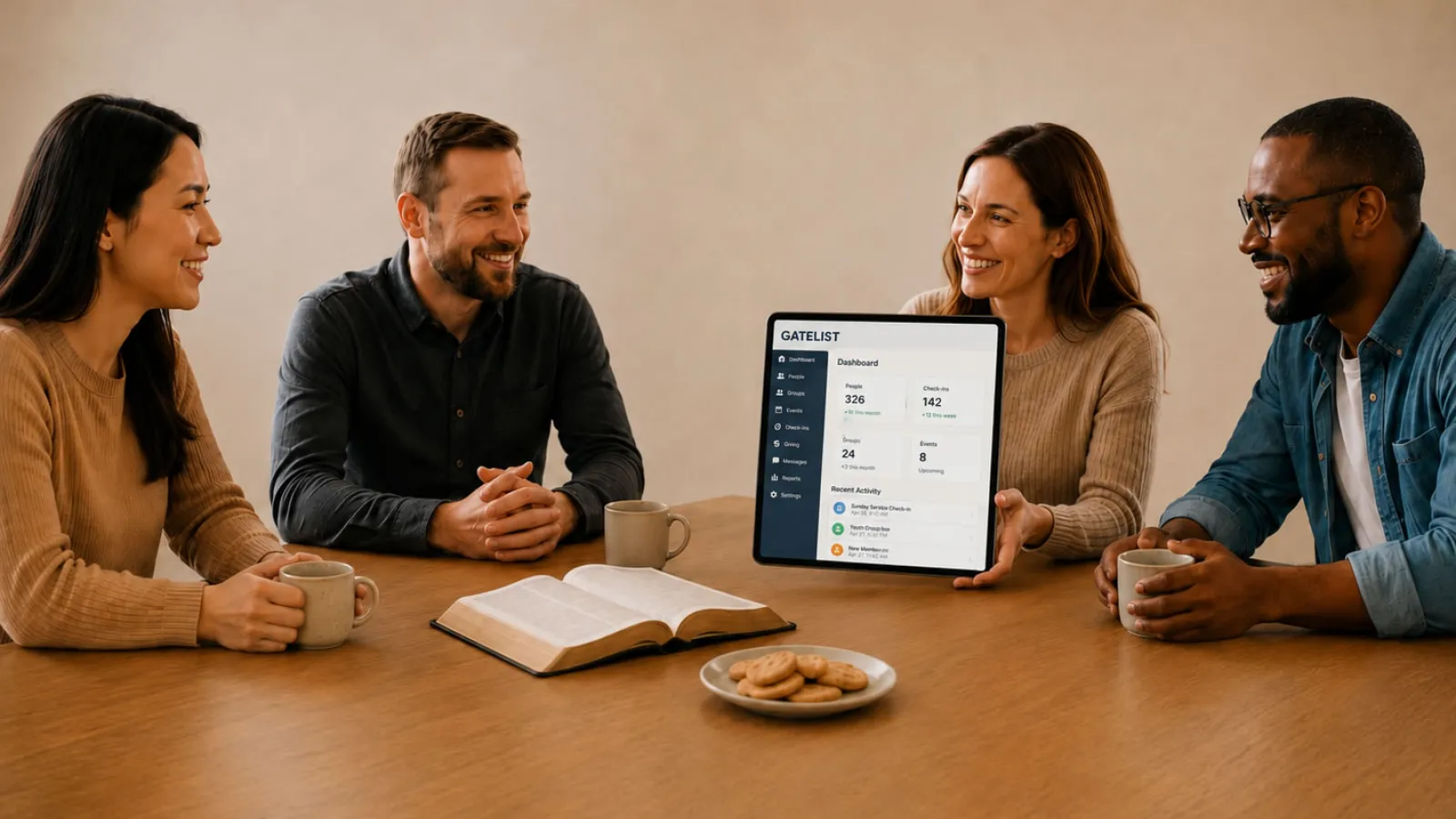
Gatelist is built with role-based access, secure sign-in, encrypted off-site backups and round-the-clock monitoring. Read more on our security page, or talk to us about your church's needs.